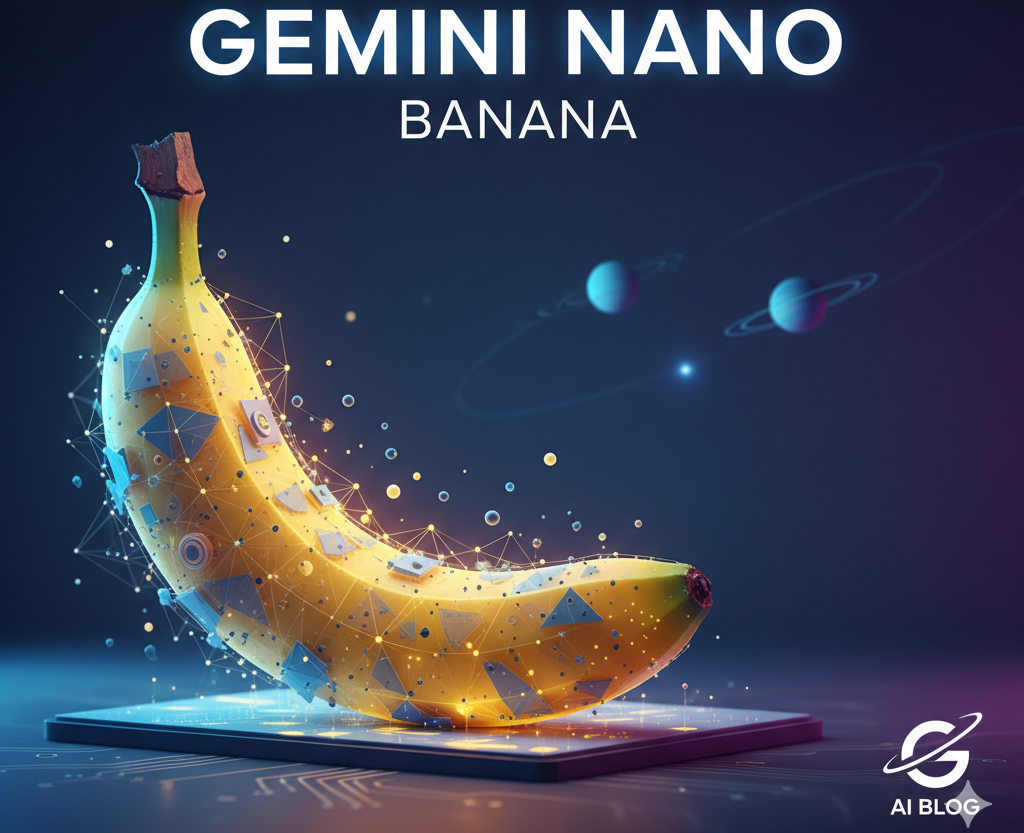
Using Google Gemini 2.5 Flash Image technology, the nano banana AI tool renders basic photos into intricate, 3D figurines. It is a free tool that has started a huge trend on social media platforms, allowing users to create collectible models of themselves with minimal effort.
Table of Contents
What is Nano Banana?
Nano banana has innovated AI-enabled 3D modeling to make regular photos of ordinary humans into detailed figurines with packaging and acrylic bases. The tool combines machine learning algorithms with 3D rendering technology to render a collectible model similar to commercial toy figurines.
Why Nano Banana has become a Trend?
Several key factors have fueled the nano banana meteoric rise across social media platforms:
- Accessibility – Literally anyone who owns a smartphone and has an internet connection has the opportunity participate without needing to have any design skills or technical knowledge.
- Zero cost barrier – The nano banana tool is totally free through Google AI Studio, it has no financial barriers for users.
- Visual appeal – The outputs are really nice desktop figurines that are extremely detailed and have a final product look that can be stowed when not in use.
- Instant shareability – Generated outputs are in a format that is ready to post, fueling the viral reach across a variety of social media platforms.
- Celebrity creators – Public figures such as Assam Chief Minister Himanta Biswa Sarma have shared their resulting models, jump-starting regional interest.
- Creative flexibly – Users can take their own pictures of themselves, their pets, famous persons, and any object and use it to create collectible-style models.
- Nostalgia factor – The concept of becoming a toy figurine taps into childhood memories and self-expression desires
How to Use Nano Banana: Step-by-Step Tutorial for Beginners
The nano banana tutorial process remains straightforward for first-time creators:
- Access the platform – Visit Google AI Studio website or open the Gemini mobile app
- Sign in – Log in with your Google account to unlock image generation features
- Upload your photo – Choose a clear, high-quality image with good lighting and sharp focus
- Use the official prompt – Copy and paste: “Create a 1/7 scale commercialized figurine of the characters in the picture, in a realistic style, in a real environment. The figurine is placed on a computer desk with a round transparent acrylic base”
- Click generate – Wait for AI processing, typically completing within 2-30 seconds
- Review results – Check the output and make adjustments with different photos or modified prompts if needed
- Download and share – Save the final creation and post on social media platforms
Advanced prompt customization enables specialized results through community-developed templates. The 16-bit art mode transforms subjects into retro video game characters, while 3D hologram variations create transparent line-art representations with futuristic appeal. Users can specify clothing styles, poses, accessories, and cultural elements to reflect personal preferences and identities.
What Makes Nano Banana Different from Other AI Image Generators
The nano banana platform distinguishes itself from traditional AI tools through several unique characteristics:
- 3D specialization – Focuses specifically on three-dimensional figurine creation rather than flat 2D artwork
- Collectible quality – Produces outputs with realistic packaging mockups, acrylic bases, and commercial presentation elements
- Speed advantage – Gemini 2.5 Flash Image engine generates results in seconds rather than minutes or hours
- Social media integration – Designed for instant sharing and viral distribution across platforms
- Professional aesthetics – Creates studio-quality results that rival expensive collectible figurines
- Prompt simplicity – Requires minimal technical knowledge compared to complex 3D modeling software
- Real-time processing – Immediate results without lengthy rendering queues or processing delays
Frequently Asked Questions
Does the nano banana trend support group photos or multiple subjects?
Single-subject photos generate the most accurate figurines, though the AI can process group images with varying success rates. Consider creating individual figurines for each person rather than attempting group generations.
What image quality produces the best nano banana results?
High-resolution photos with clear lighting and sharp focus yield superior figurine outputs. Avoid blurry, dark, or heavily filtered images that may compromise the AI processing accuracy.
How long does nano banana AI processing typically take?
Standard nano banana 3d figurine generation completes within 2-30 seconds depending on image complexity and current server load. Peak usage times may result in slightly longer processing periods.
Ready to join the nano banana phenomenon sweeping social media? Download the Google Gemini app today and transform your favorite photos into stunning 3D collectible figurines. Share your creations using trending hashtags and become part of this revolutionary AI art movement that has captivated millions worldwide.